What Is an AI Voice Widget? A Plain-English Guide
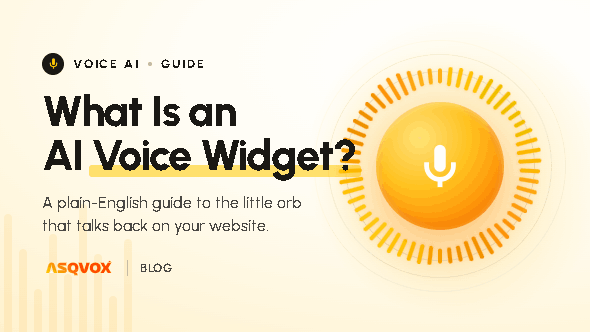
An AI voice widget is a tool you add to a website that lets a visitor have a spoken conversation with an AI, with no human on the other end and no phone call to make. It listens, works out what the visitor is asking, and answers from the business's own content in a natural, human-like way, to serve the specific goal it was built for, whether that's answering questions, guiding a visitor to the right thing, or capturing a lead.
What an AI voice widget actually is
Two things make a voice widget what it is, and both are worth saying plainly.
The first is that there's no human on the other end. The conversation runs autonomously. A visitor asks, the AI understands and replies, and no one on the business's side has to be sitting there to make it happen.
The second is that there's no phone call. Everything happens right there in the browser, on the page the visitor is already on. They don't dial a number, sit through a menu, or wait in a queue. They press a button or simply start talking, and the conversation begins.
Put together, an AI voice widget is an autonomous way for a visitor to have a conversation, in their own words, with an AI built for the specific goal or intent it was created for. AsqVox's widget, the Orb, is one example of the category, and we'll use it through this guide to show how the pieces fit.
How an AI voice widget works
It gets onto the site through a small embed
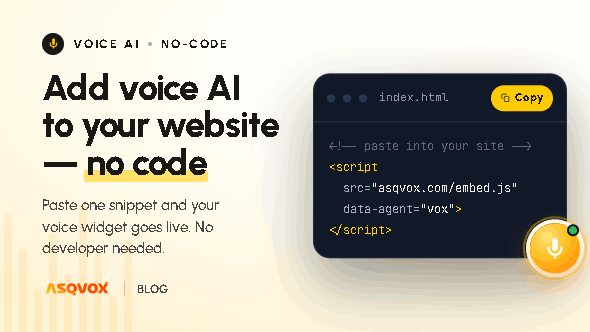
A voice widget lives on a website through a snippet of code. The setup is meant to be something a non-technical person can do on their own, not a developer job. With AsqVox it's a no-code, seven-step flow:
Add your domain. Enter the website where the widget will live.
Choose placement. Pick where the play button appears, a corner, the hero section, or a custom spot.
Brand it. Match your colours, logo and agent name to your brand.
Describe your business. A short summary of what you do, who you serve, and the tone you want the agent to speak in.
Upload your knowledge base. Paste a website link, drop a document, or fill in the fields. The agent learns strictly from your content.
Add your FAQs. The high-intent questions your visitors actually ask, answered the way you'd answer them.
Copy and paste the script. One
<script>tag on your site, hit save, and you're live.
Its knowledge comes from your content, and it's retrieved in real time
A voice widget is only as good as what it knows, and the better ones answer strictly from the business's own material rather than guessing. The knowledge a widget uses comes from what the owner adds during setup, the website, the documents, the FAQs.
How that knowledge is used matters. AsqVox stores it in a retrieval system (RAG) and pulls the relevant piece in real time, at the moment it answers, rather than carrying everything around at once. That keeps the agent light and quick, and it keeps each answer tied to your content and nothing else, so it answers from what's actually true about your business instead of improvising.
A conversation starts on a click, or on the visitor's behaviour
A visitor can open the widget with a click. The more capable ones don't only wait, though. They watch what the visitor is doing and step in at the right moment, for example when someone is about to leave the page, when they've scrolled past around half of it, or after they've spent a few seconds on it. Those are the moments a visitor is most likely to have a question or be about to drop off, and meeting them there is a large part of what makes voice useful rather than decorative.
Everything is captured afterwards
Once a conversation ends, the widget gives the business a record of it. With AsqVox that's a stored transcript, a recording, a summary of the conversation, the tone it carried (whether it felt positive, neutral or negative), and any contact details the visitor shared. That record is how an owner learns what visitors keep asking for, and where their site is falling short.
Why AI voice widgets are appearing now
Voice widgets aren't new because someone decided voice was trendy. A few things changed at once.
The first is that reaching a website has become harder. A large share of searches now resolve inside an AI answer from tools like ChatGPT, Perplexity or Google's AI Overviews, so fewer people click through to sites at all. The visitors who do arrive tend to be further along and more deliberate, and expecting them to hunt through pages, or leaving a plain text box as the only way to engage, wastes hard-won attention.
The way people prefer to communicate is shifting too. Texting was the default mainly because, before software got this intelligent, it was the only practical option, so we still reach for it from habit. The rise of dictation-first tools, Wisprflow and others, is a useful market signal: people are choosing to speak rather than type for emails, prompts, documents, even some code, because speaking carries less friction than typing.
There's a human point underneath it as well. When someone reads and types, really only one sense is doing the work, the eyes. Add voice and another channel comes into play, and engagement tends to rise with it. It's a quieter, more psychological reason, but a real one.
How a voice widget differs from the tools next to it
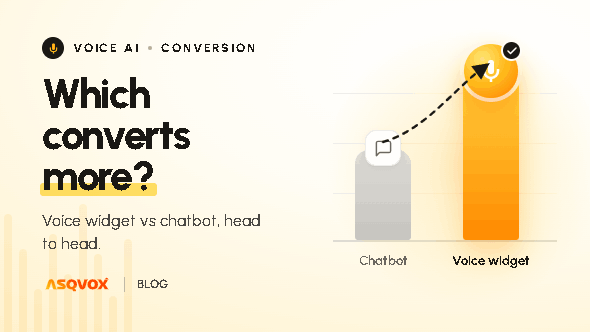
vs. a text chatbot. The visitor speaks instead of typing, and a good voice widget understands the flow of a conversation rather than matching canned replies. Many voice widgets, AsqVox included, also offer a text mode, so the visitor can still type when talking isn't an option.
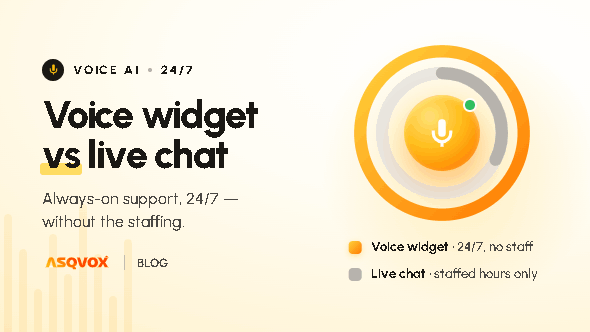
vs. live chat. Live chat needs a human available to answer. A voice widget runs on its own, every hour of every day, with no one waiting on the other side.
vs. a contact form. A form is static and the reply comes later, if at all. A voice widget answers in the moment, while the visitor is still on the page and still interested.
vs. a phone call or IVR. No number to dial, no menu to sit through. The conversation happens in the browser, right where the visitor already is.
What an AI voice widget is used for
Across different kinds of sites, the jobs tend to be similar:
Answering a visitor's questions instantly, instead of making them search the site
Guiding a visitor to the right product, service or page, the way a salesperson would in a store
Booking appointments or demos
Qualifying and capturing leads
Catching visitors who are about to leave and giving them a reason to stay
Being available around the clock, with no working hours and no leave
What to look for in a good AI voice widget
If you're weighing one up, here's what actually separates a good one from a poor one.
Does it stay accurate, or does it drift? The important thing is that it answers from the business's real content and doesn't make things up. A widget grounded in your own material will hold up; one that improvises will eventually embarrass you.
Does it cope when it mishears? Real conversations are messy, background noise, heavy accents, uneven pronunciation, network hiccups. A good widget can pick a word up wrong and still follow the context, then confirm with a relevant follow-up based on what the visitor actually meant, rather than answering the wrong question confidently.
Does it engage at the right moment, or just sit there? Waiting silently in a corner wastes the opportunity. The better ones step in on the visitor's intent, on exit, on scroll depth, on dwell time.
Be realistic about fluency. It won't sound exactly like a human. There's usually a little latency and a mildly robotic edge to the tone. Most visitors expect that, and the trade-off is fine as long as it understands the conversation well and gets them what they came for. Anyone promising a flawless human voice is overselling.
Can a non-technical person actually set it up? A good voice widget is a DIY tool. With AsqVox, an owner, marketer or agency can go through the seven steps themselves, fill in the details, paste the script tag, and be live, without code or a developer.
Does it offer text as a fallback? Voice should be the point, but a visitor on a quiet train or in an open-plan office shouldn't be locked out. A text mode covers them.
Frequently asked questions
What is an AI voice widget?
A tool you add to a website that lets a visitor have a spoken conversation with an AI, with no human on the other end and no phone call to make. It answers from the business's own content to serve the goal it was built for.
How is it different from a chatbot?
A chatbot makes the visitor type and usually matches canned replies. A voice widget lets them speak naturally and follows the flow of the conversation. Many voice widgets also include a text mode, so the visitor can type when they'd rather not talk.
Does it replace a human?
For answering questions and guiding visitors, it runs on its own, around the clock. It doesn't replace your team for the things that genuinely need a person, but it handles the front line so a visitor never waits for one.
Where does it get its answers, and will it make things up?
From the content you give it during setup, your website, documents and FAQs. A well-built widget retrieves from that content and answers from it only, rather than improvising, so it stays grounded in what's true about your business.
Does it sound exactly like a human?
Not quite. There's usually some latency and a mildly robotic tone. It understands the conversation well and serves the purpose, and most visitors accept that trade-off, but anyone claiming a perfectly human voice is overselling.
Do you need coding skills to set one up?
No. A good voice widget is built for non-technical users. With AsqVox it's a seven-step, no-code setup that ends with pasting a single script tag on your site.
When does it start a conversation?
On a click, and on the visitor's behaviour, for example exit intent, scrolling past around half the page, or a few seconds of dwell time.